 FrameLathe
Free · No sign-up · No watermark
Free photo upscaler that fixes faces.
Make a photo 2× or 4× bigger, sharpen the faces in it, and add colour to black and white. It runs in this tab, on your own graphics card.
Drop a photo here
Choose a photoOne photo at a time · JPEG, PNG, WebP or TIFF
This browser can't reach your graphics card, so here only Bigger runs, on the processor, and more slowly. Sharpen faces and Add colour need a browser with WebGPU, such as a recent Chrome or Edge.
Your photo never leaves this device. The page downloads the models once; your graphics card does the work. How it works
The first run downloads 5 MB, plus about 294 MB for faces and about 467 MB for colour if you switch them on. Wi-Fi is a good idea. The examples above need none of it.
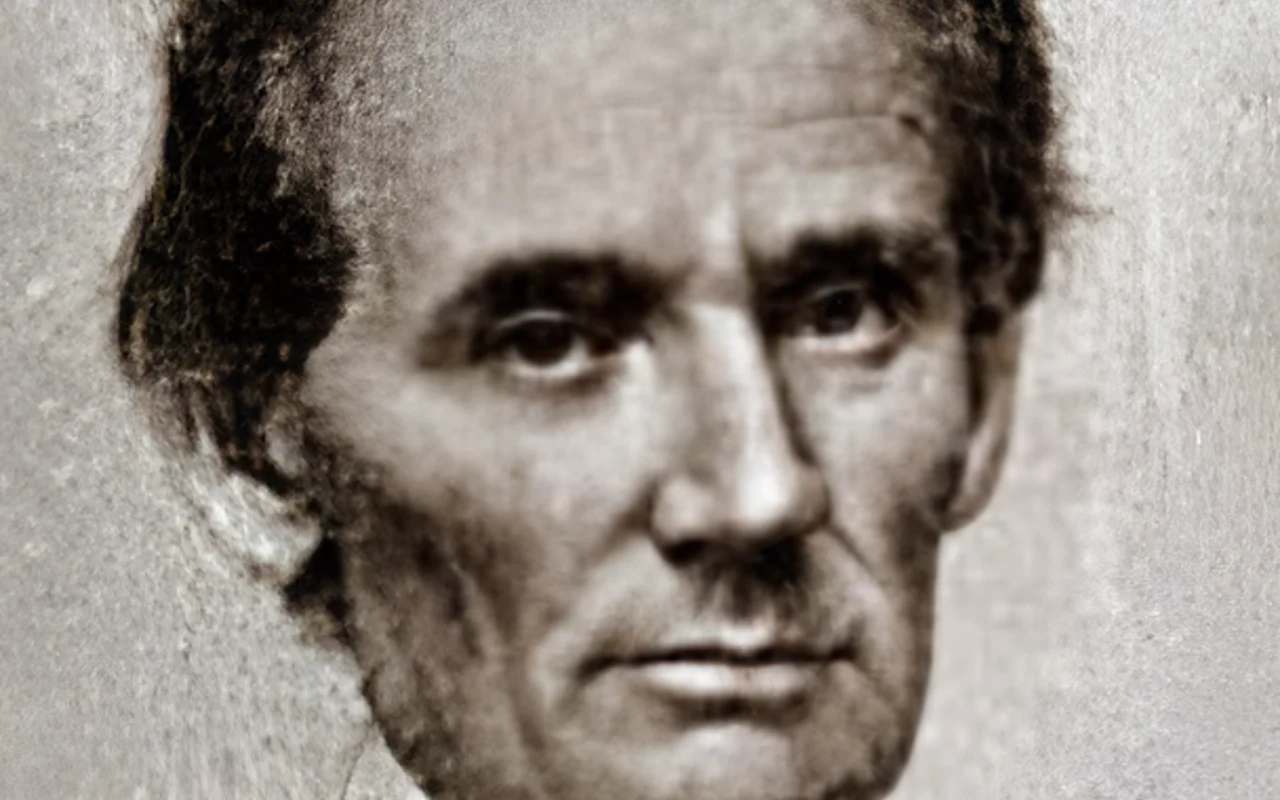
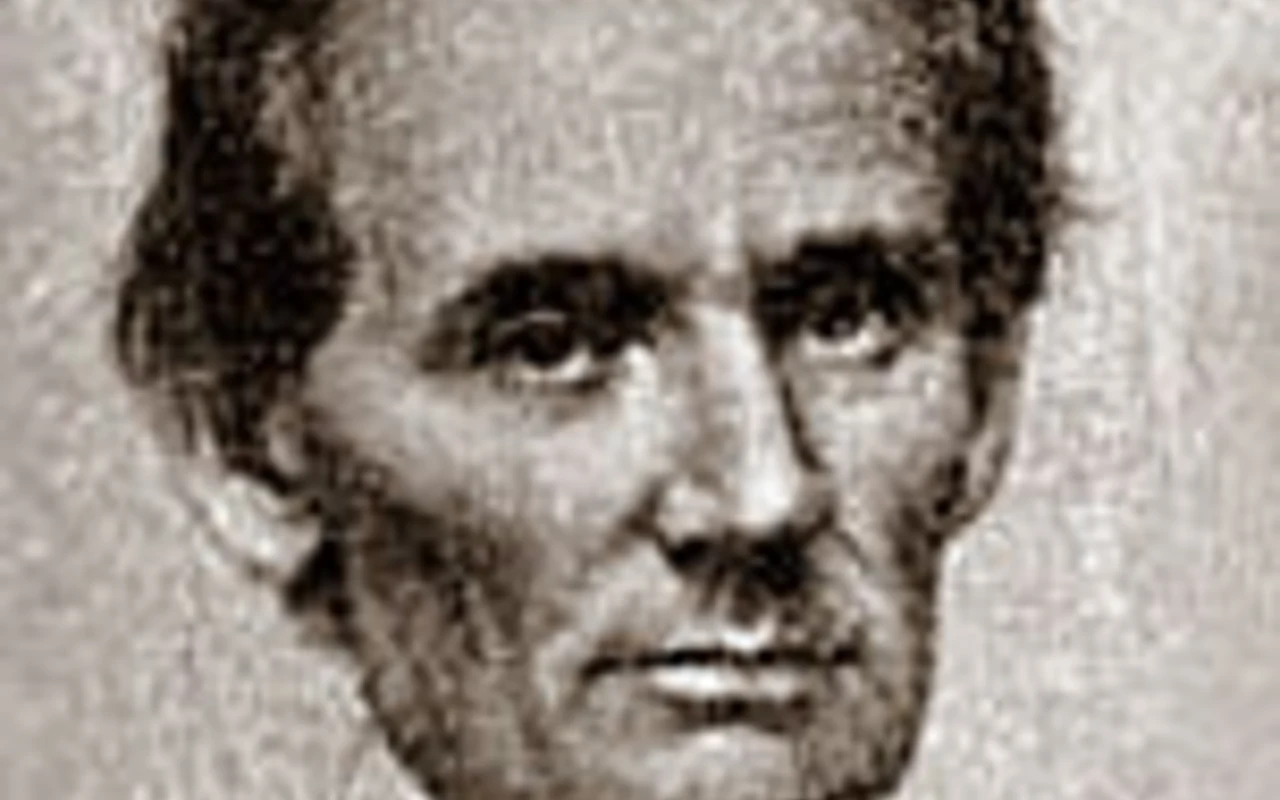
Drag to compare. Abraham Lincoln, 1860 campaign ambrotype, a scan only 152 px wide. 1 face sharpened · 4× bigger
Ambrotype by George Clark, 1860. Public domain, via Wikimedia Commons.
Drag to compare. Adah Isaacs Menken at 19, an 1854 ambrotype, a scan 266 px wide. 1 face sharpened · 4× bigger · colour added (invented)
Unattributed ambrotype, 1854–55. Public domain, via NYPL Digital Gallery and Wikimedia Commons.
Drag to compare. Three men, a c. 1860 ambrotype, a scan 419 px wide. 3 faces sharpened · 4× bigger
Ambrotype of Alexander Cartwright and two men, c. 1860. Public domain, via Wikimedia Commons.
Three things, free
Sharpen faces and Add colour use the same models as the FrameLathe app. Each is downloaded the first time you use it, then kept in this browser for next time. Your photo stays in the tab: nothing is uploaded, and nothing is kept once you close it.
2× or 4× bigger
Always on. A model draws the new pixels instead of stretching the old ones (Real-ESRGAN).
5 MB
Sharpen faces
Finds the faces in the photo and sharpens each one (RestoreFormer++). A sharpened face can gain detail the photo didn't hold.
about 294 MB
Add colour
For black-and-white photos (DDColor). Colour is invented: the photo never recorded it, so this is a guess.
about 467 MB
Questions? The FAQ covers what the page sends, what it keeps and which browsers it needs. The models and their licences are listed on the models page.
Free photo upscaler
Nothing is uploaded. This photo stays in this tab.
Drag to compare, or use the arrow keys.
Bigger
Sharpen faces
Add colour
Colour is invented. The photo never recorded the colours; this is the model's guess.
Getting ready
Downloaded once, kept in this browser. Next time it starts at step 2.
Keep this tab open. Your graphics card is doing the work in this tab, so closing it stops the run. In a hidden tab it may go slower.
Your photo is not uploaded.
Your photo is ready
What ran
Save as
PNG keeps every pixel. JPEG is smaller.
The FrameLathe app · for Windows
This page does one photo. The app does the whole box.
Faces and colour on your own Windows PC, with the parts a browser tab can't do.
The FrameLathe app
For the whole box, there's a Windows app.
It restores whole folders of photos and video too, with a damage brush for creases, specks and stains, a face fix for damaged faces, TIFF out, and the photo's date, colour profile and DPI kept. It's Windows only. On this device, this page is the part you can use.
What the app does →- Whole folders and batchesnot one at a time
- Videoold tapes, phone clips
- The damage brushcreases, specks, stains
- A face fixredraws damaged faces
- TIFF outsaves TIFF when the scan was
- Keeps what's in the filedate, colour profile, DPI