 FrameLathe
Windows desktop
Batch video enhancement on your GPU. Nothing leaves the machine.
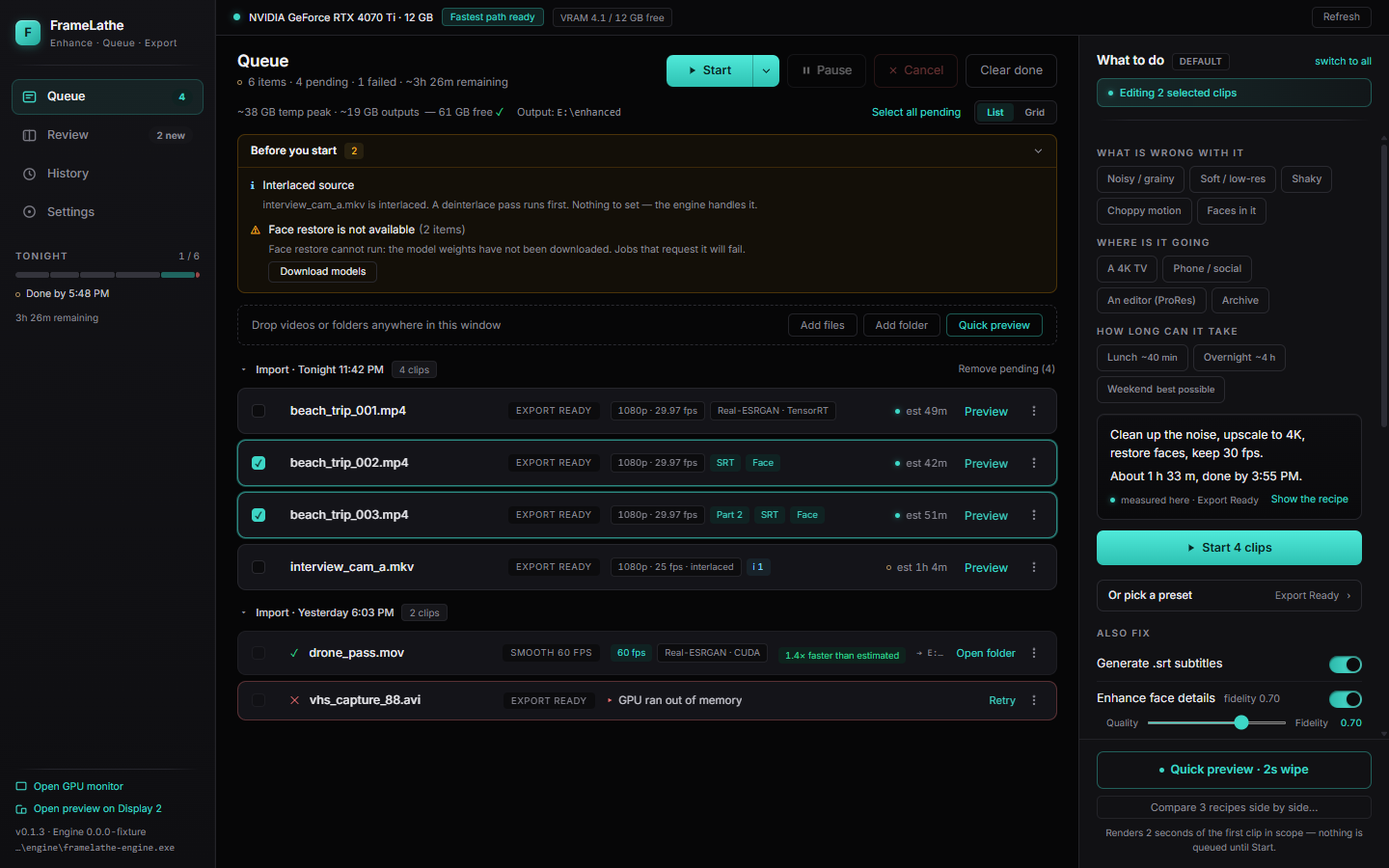
Drag files in. Answer what’s wrong, where it’s going, and how long it can take. Queue overnight. Denoise, remaster, interpolate — on the card already in the machine, not in someone else’s datacenter.
Get notified at launch
No public download yet. We’ll confirm you’re on the list, then email once more when the Windows installer is ready.
Local GPU
Enhancement runs on this computer. Footage is not uploaded. There is no cloud processing path.
Overnight queue
Drop a folder, pick Quick / Full / Best possible, start the batch, check the takes in the morning.
Windows installer
A signed desktop app, not a browser tab. The installer ships when the waitlist opens — not before.
How it works
01
Drop the files
Videos or a folder. FrameLathe stays on the machine that holds the media.
02
Answer three questions
What’s wrong, where it’s going, and how long — Quick, Full, or Best possible. The door picks the recipe.
03
Start; review in the morning
The GPU works the batch. Review a wipe, Approve or Flag, keep the take you want.